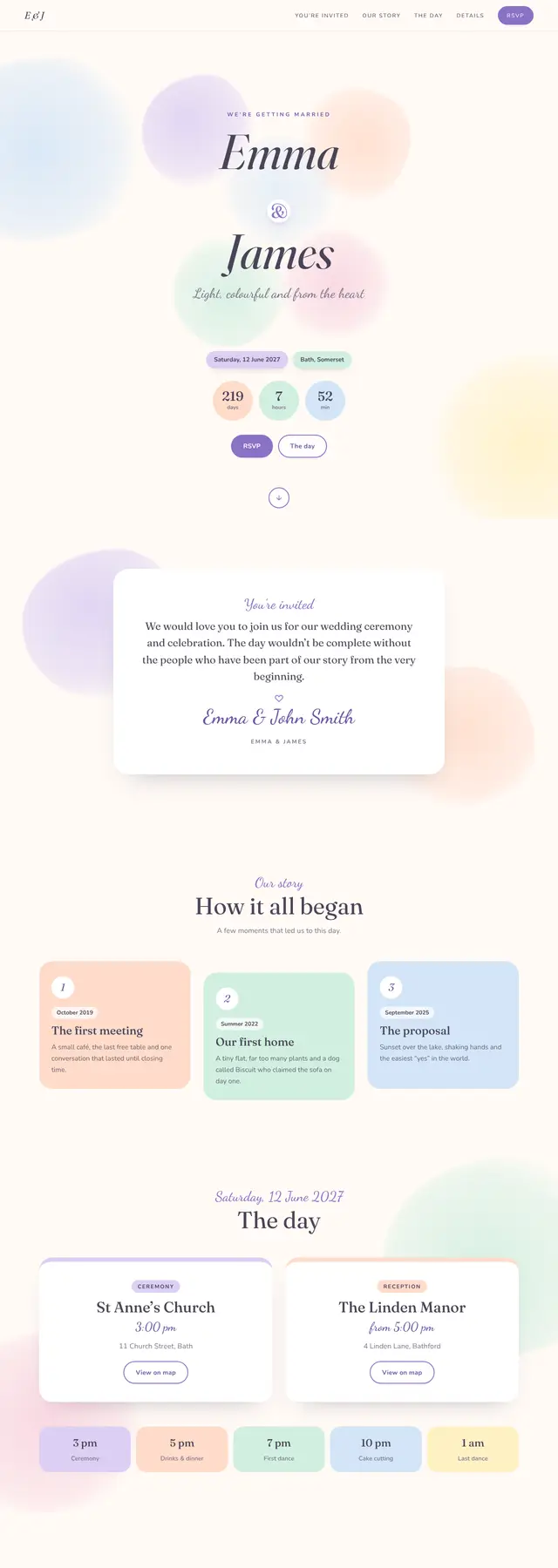
Watercolour
A light wedding website without photos in soft pastels – lavender, peach and mint like watercolour washes.
Use this templateChoose a template, fill in the date, venue and schedule, and publish. Every guest sees their personal version with an RSVP button.
Hover over a template to scroll through it. We add new designs regularly.
A light wedding website without photos in soft pastels – lavender, peach and mint like watercolour washes.
Use this template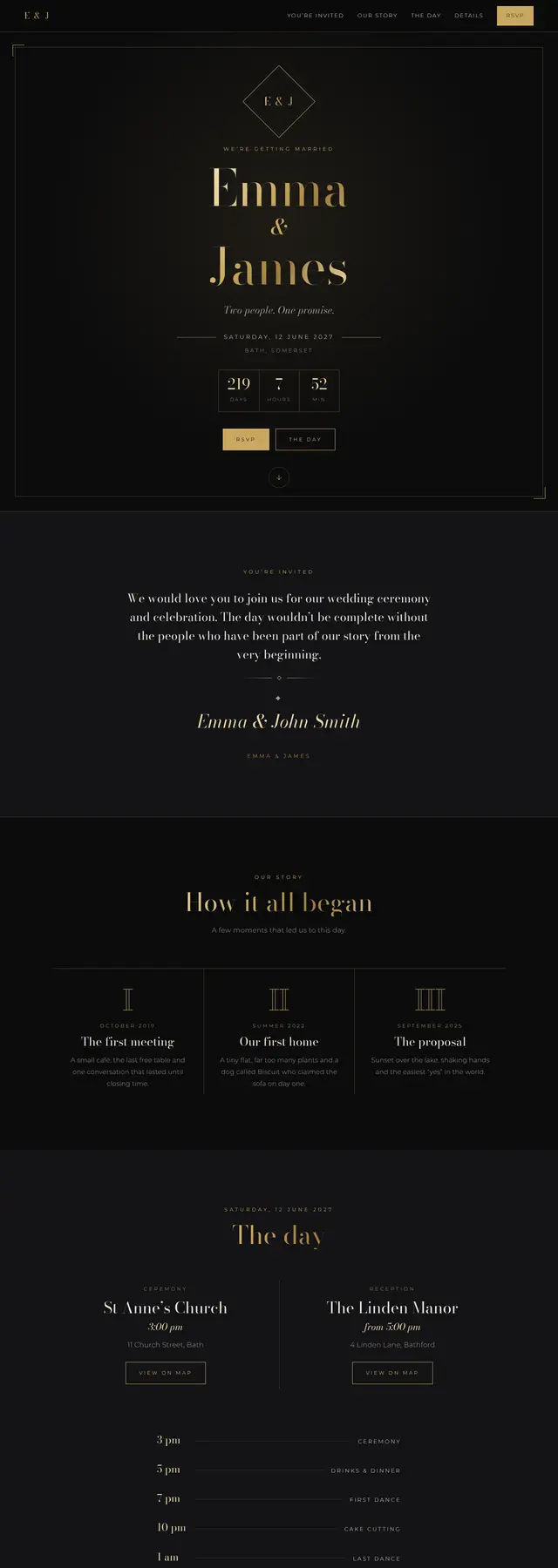
A minimalist wedding website without photos – deep black, gold details and elegant typography.
Use this template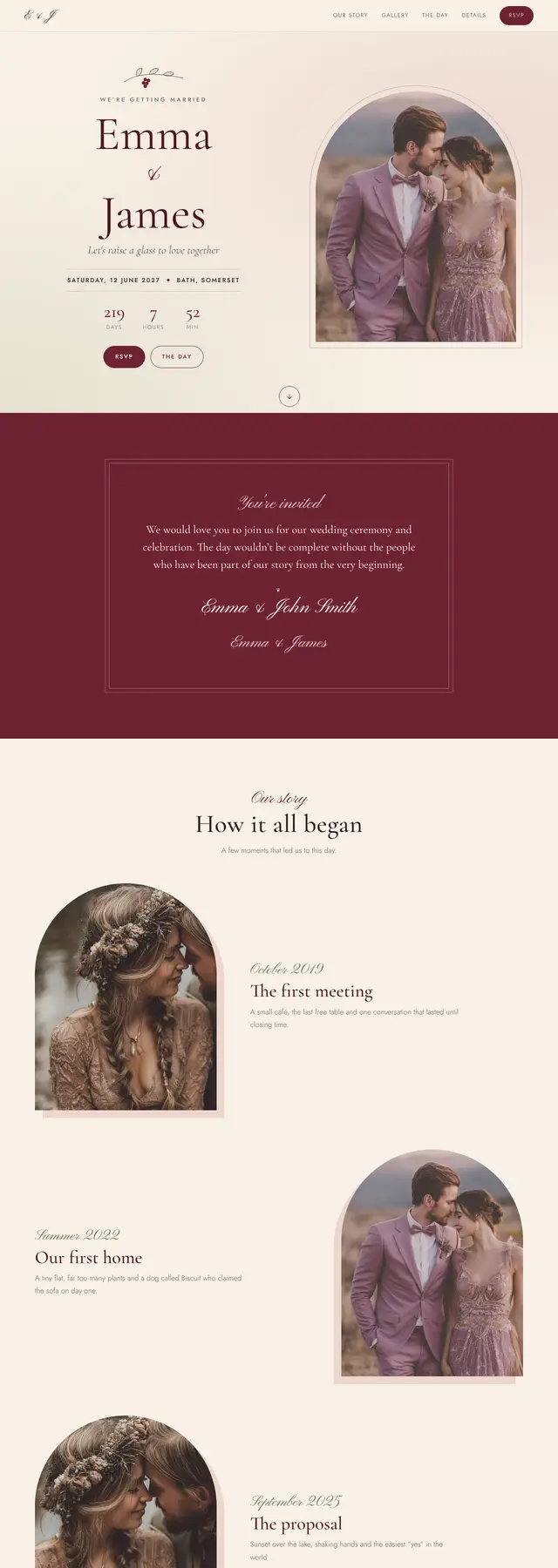
A romantic vineyard-style wedding website: burgundy, olive and cream, with photos in arched frames.
Use this template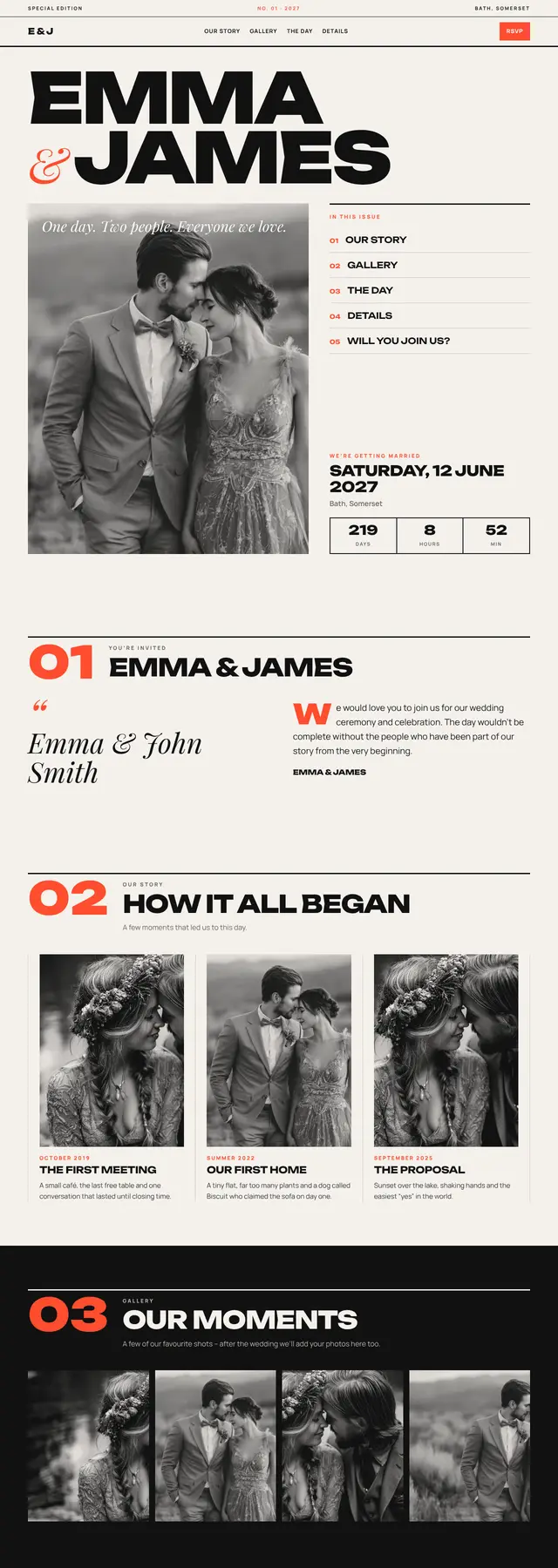
A wedding website styled like a magazine cover: bold typography, black and white with a red accent.
Use this template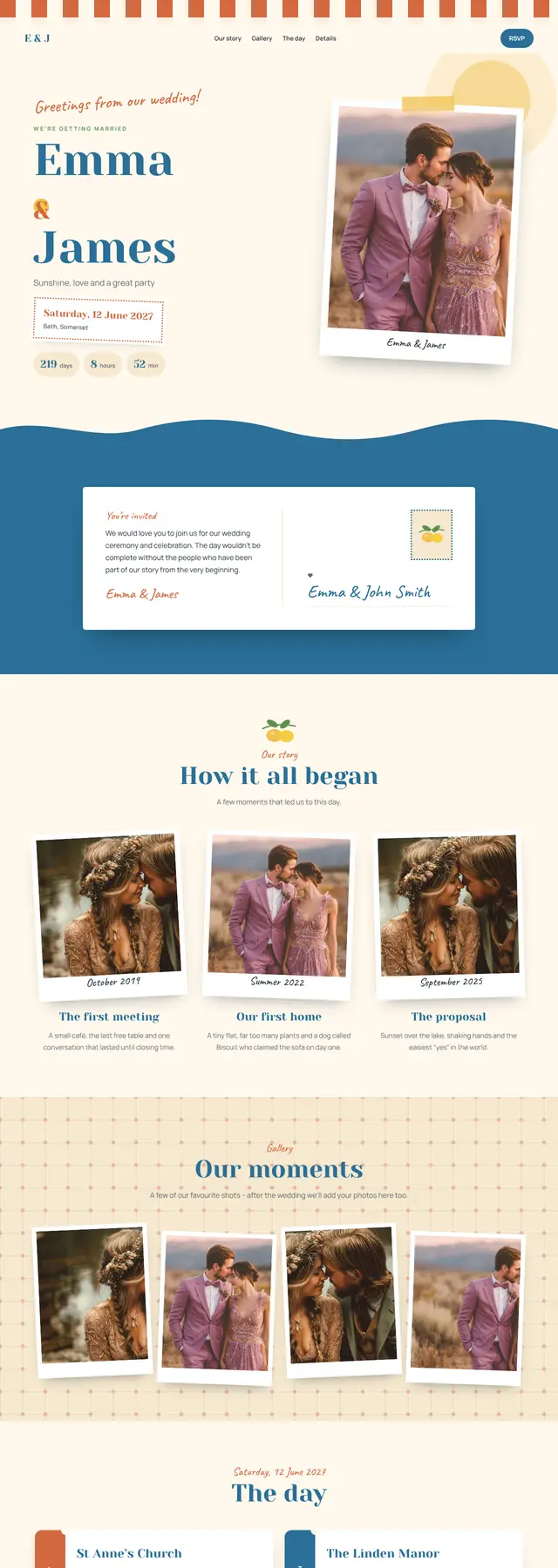
A sunny, holiday-style wedding website inspired by Mediterranean postcards: terracotta, azure and lemons.
Use this template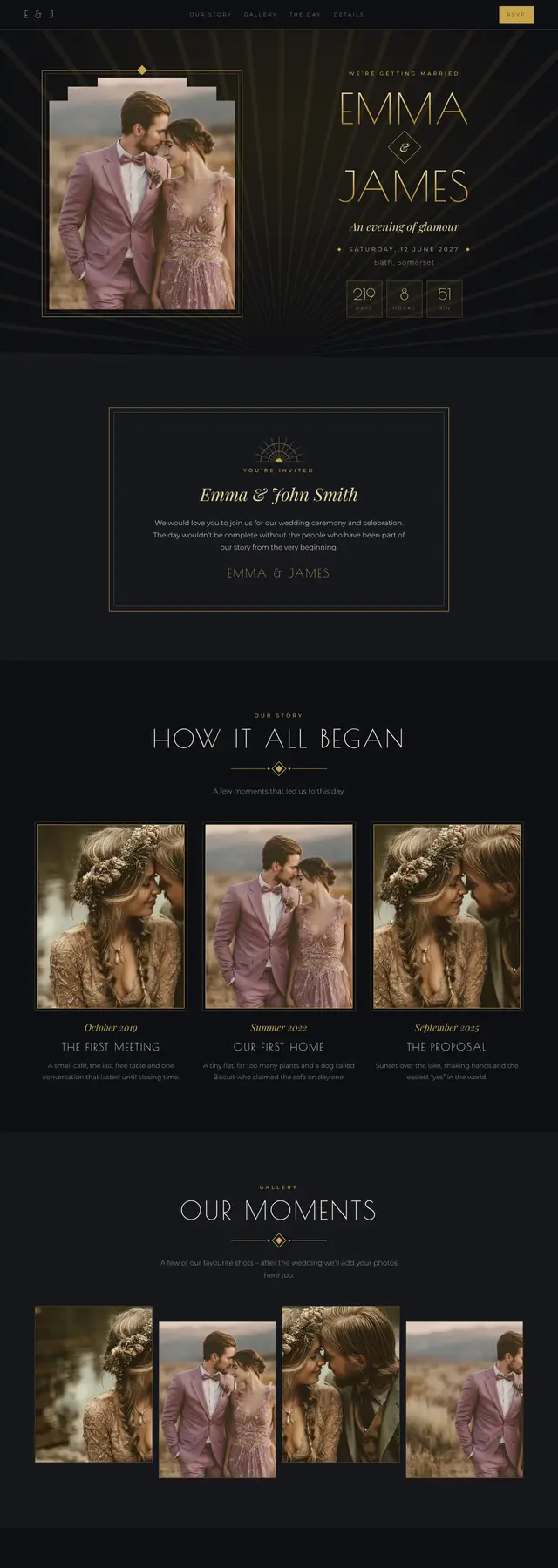
Art Deco elegance in black and gold – with your story, gallery, schedule of the day and RSVP.
Use this template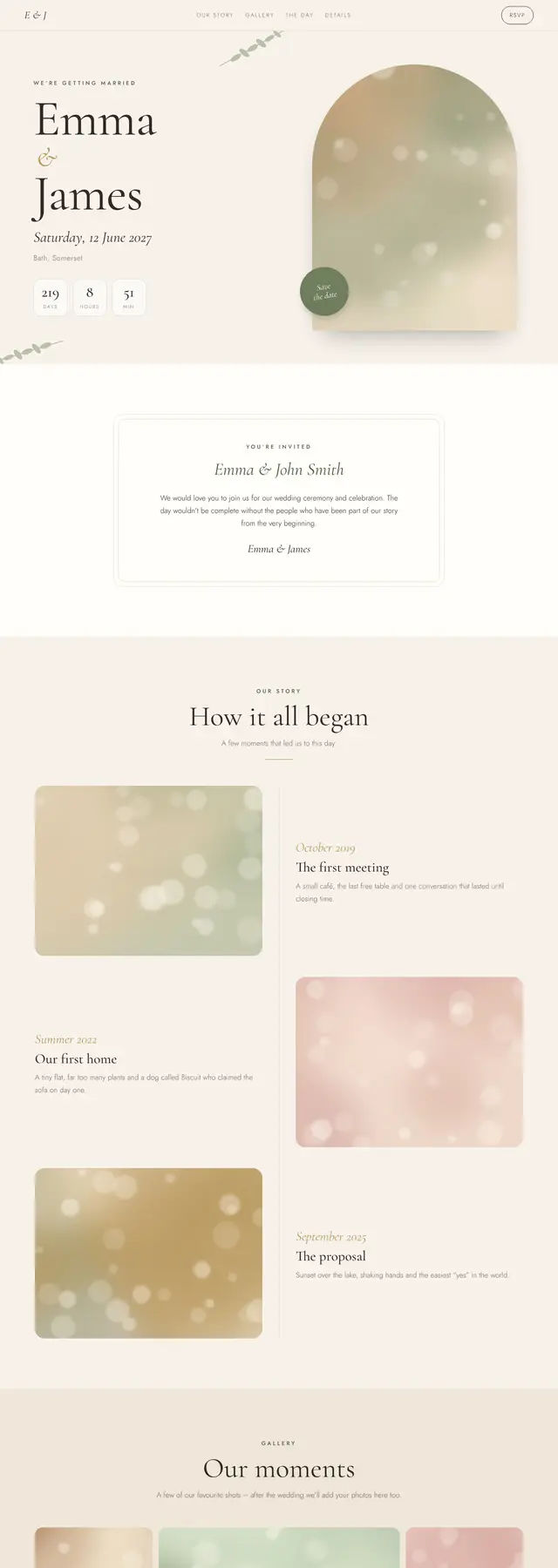
A modern wedding website: your story, photo gallery, schedule of the day, guest information and RSVP.
Use this templateYour wedding website answers guests' questions before they ask: when the ceremony starts, how to get to the venue, what the day looks like and when to reply. It's also the page your online invitations and QR codes open.
Pick one of our templates, from romantic and pastel to elegant black and gold, and change texts, colours and photos in a simple editor. AI can help you write the texts.
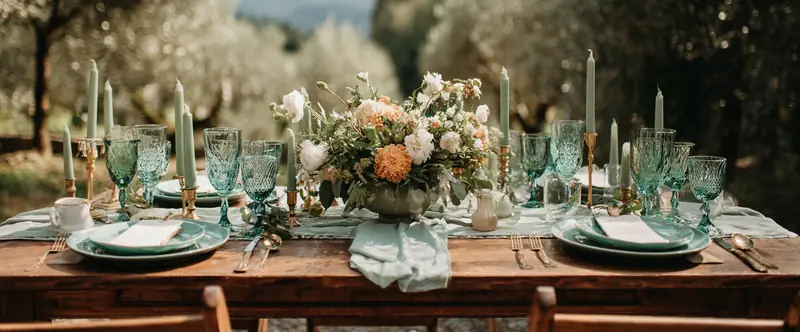
Romantic, modern and elegant designs that look great on phones.
Fill in names, date, ceremony and reception details in a simple form.
Ask AI to write or shorten the welcome text, story or schedule.
Guests confirm attendance right on your wedding website.
The page greets every guest by name from their invitation link.
Work on a draft and publish it with one click.
Browse the designs and pick the one that suits your wedding.
Date, venues, schedule, contact and a few words about you.
Send the page with your invitations or print it as a QR code.
Yes. Creating and publishing a wedding website with Blissaro is free.
Yes. Each guest's link opens the page with an RSVP form for their invitation.
No. Choose a template and fill in a form. For more control there is an advanced editor.
Yes. Switch templates at any time; your details stay the same.
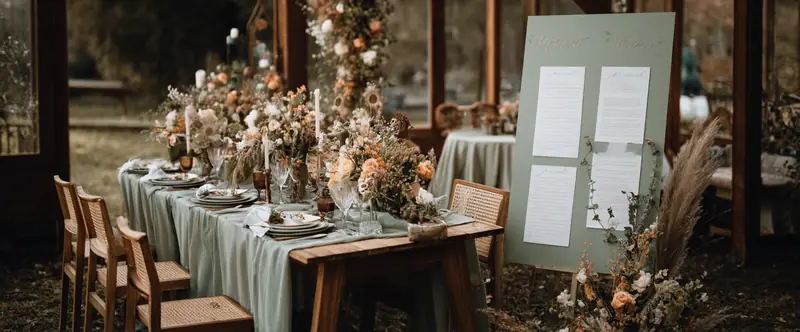
Send beautiful wedding invitations by email or WhatsApp, with an RSVP button in each one.
Learn more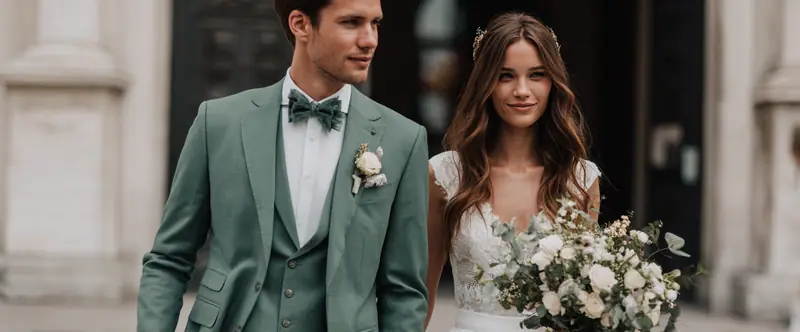
Guests confirm attendance in two taps, and you see the numbers update live.
Learn moreGuests add photos and videos by scanning a QR code. All memories in one album.
Learn more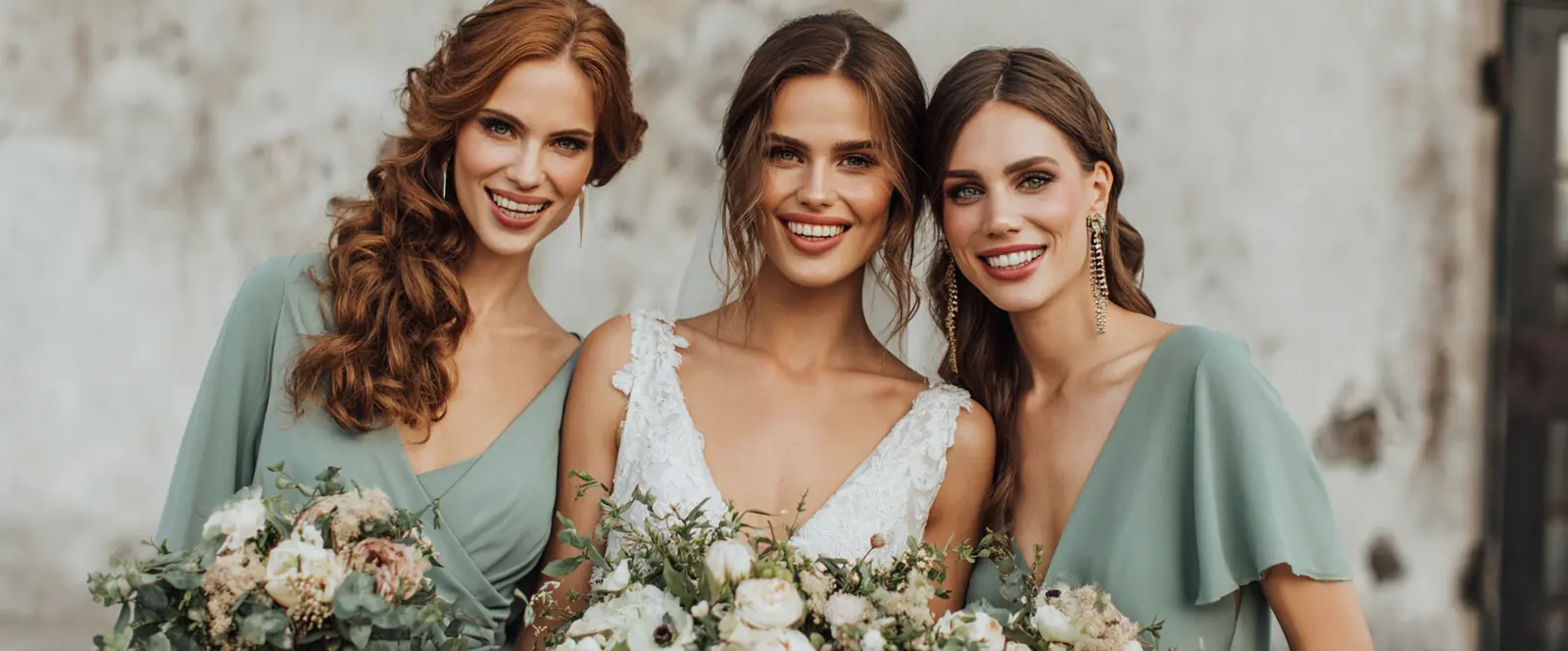
Every feature, no guest limit, no credit card. On iPhone, Android and in your browser.